




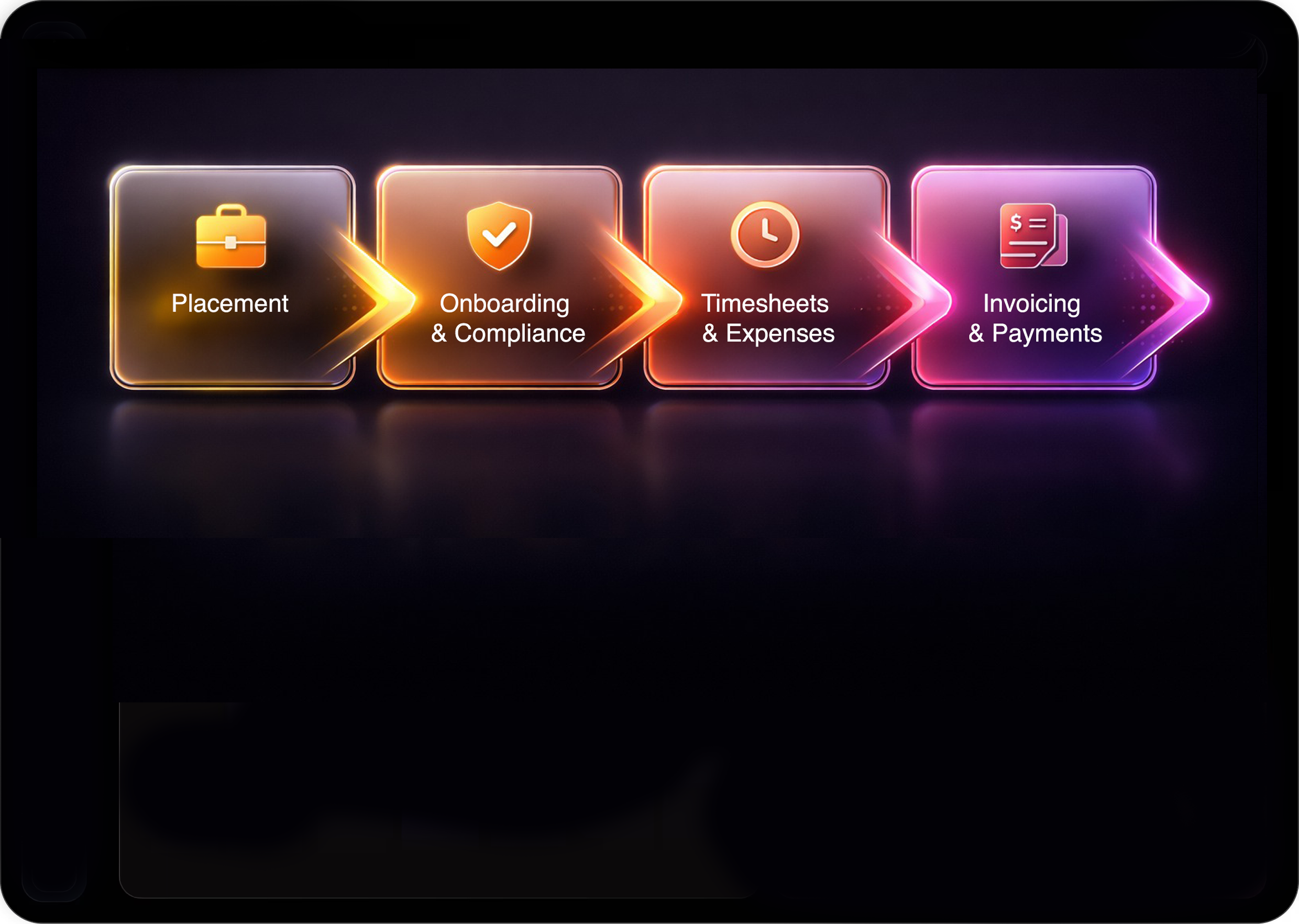
Middle Back Office
Protect margin.
Accelerate cash flow.
Remove operational risk.
Mercury Middle & Back Office brings your entire post-placement workflow for Perm, Contract and Fixed-term placements into one secure Microsoft-powered platform, from offer acceptance through to final payment.
The result is tighter control, faster billing, and the ability to scale without increasing headcount.
The result is tighter control, faster billing, and the ability to scale without increasing headcount.
Placement Validation and Approval
Fewer errors, less chasing, and no delays.
Remove errors and protect your fees
Mercury enforces commercial and compliance validation before a vacancy can progress. Agreement-level validation ensures fees, margins, rates, and expenses align to approved commercial terms. Placements cannot proceed with missing or incorrect data

Faster, smoother Approval Workflows
Commercial accuracy is built into the workflow so your gross profit is safeguarded from the start. For permanent, contract and fixed term placements, the platform automatically calculates margin based on validated pay and charge rates, applying the correct cost logic before an invoice is ever generated.
Onboarding and Compliance
Don't waste time chasing compliance, tick all the boxes and get your placements started on time
Collate, send, sign and sync document packs instantly
Mercury automatically generates the correct document packs based on client, agreement, and worker type. Documents are pre-populated and sent via integrated DocuSign. Signed contracts are stored automatically in SharePoint with a full audit trail.
Compliance without the chaos
Set the rules once , and the system follows them. You define what's required for every company, candidate and role. A placement cannot go live until the Compliance Score reaches 100%.

Self-serve Portals streamline Compliance
Secure Candidate and Client Portals place routine actions directly in the hands of workers and hiring managers, giving them a positive experience while removing manual admin from your consultants and finance teams. Every submission, approval and update flows automatically into the correct records with full visibility and audit control - relieving you of the back-and-forth

Worker Types to eliminate complexity
Mercury separates commercial terms from compliance logic, so Worker Types define how someone is engaged (whether PAYE, Umbrella, Limited Company, 1099 or W2) while Agreements define the deal itself. This structure means you configure once and reuse everywhere, without duplicating agreements, cloning records or rebuilding data when engagement models change.
Timesheets & Expenses
Fast Approvals.
Instant Payments.
Predictable Revenue.

With simple, real-time submission and approval, your candidates get paid without delay and your revenue is realised when you expect it.
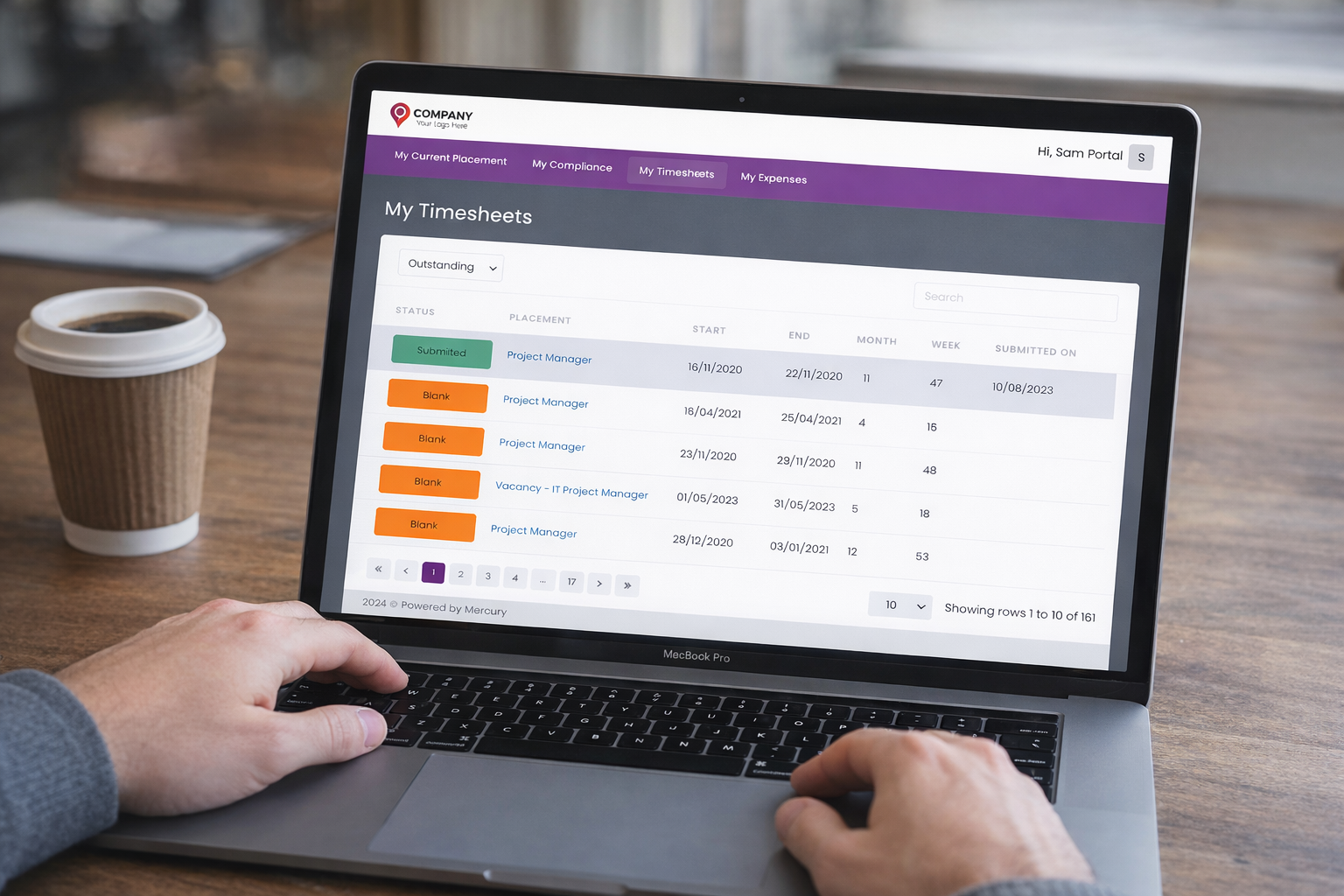
Self-Serve Portal-based submission and approval
Workers and Contractors submit timesheets and expenses securely,and clients can approve online in seconds.
Invoicing & Payments
Fewer errors, less chasing and no delays
Single source of truth for finance
Every invoice, credit, cost and payment in Mercury is permanently traceable to the placement, timesheet or expense that created it. Finance teams gain full transparency into how values are calculated, without manual reconciliation or data stitching across systems.

Real time PO burndown visibility and alerts
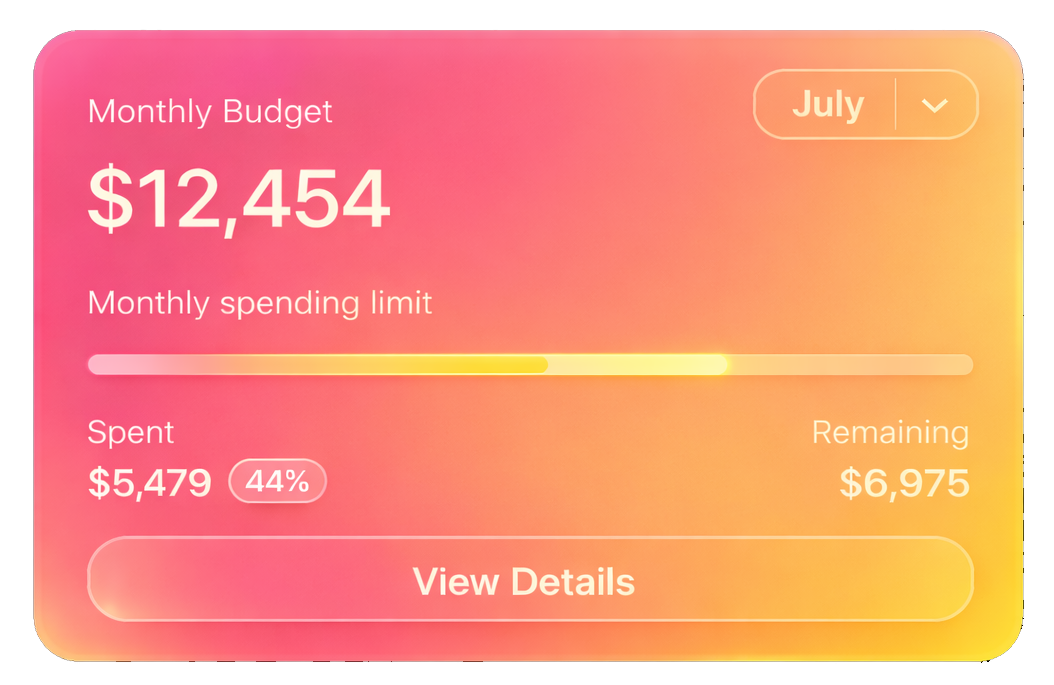
Mercury embeds Purchase Order control directly into the placement and billing workflow, giving you continuous visibility of committed spend against agreed budgets. As timesheets and expenses are approved, PO balances reduce automatically, so finance and delivery teams always know exactly where they stand - eliminating awkward budgeting conversations.
Get paid - on time, every time
Automatically generate branded, client‑ready invoices or seamlessly integrate with leading finance systems. Every submission is backed by an accurate, detailed audit trail and all the essential data needed for reliable reporting and compliance for complete alignment between operations and finance.

Up to 16% percent of invoices contain errors due to incorrect rates, missing PO references, or validation gaps. These billing delays can extend payments by up to 14 days.
What impact is that having on your Cash Flow?
What impact is that having on your Cash Flow?
99.8%
Invoice Accuracy

3x
Faster Onboarding
75%
Cut Processing Errors
From Placement to Payment

Stronger governance.
Faster cash flow.
Higher margin protection.
Scalable growth without the drag.
Faster cash flow.
Higher margin protection.
Scalable growth without the drag.